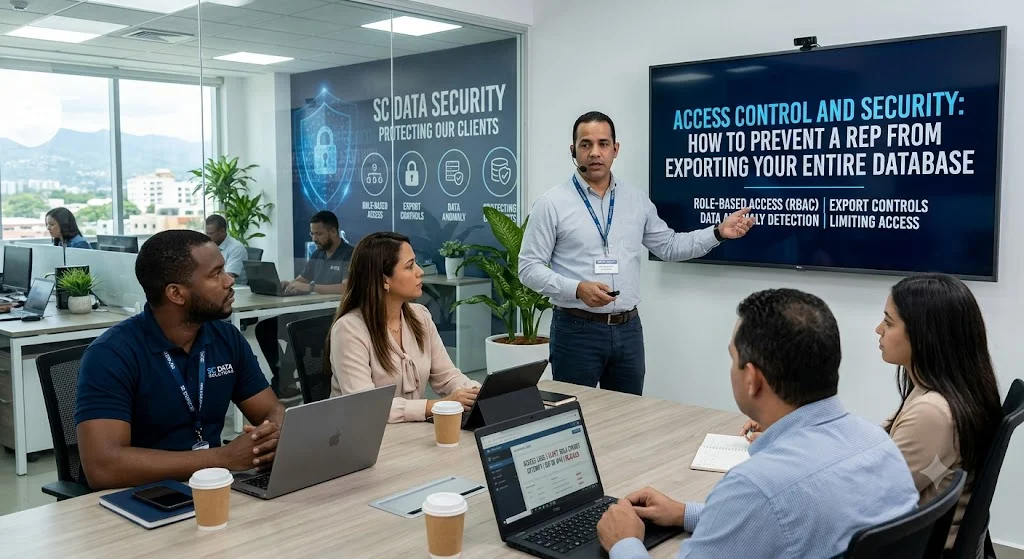
For any business, its customer database is one of its most valuable proprietary assets. For sales-driven organizations, that database—containing years of leads, contact information, contract values, and negotiation histories—is the lifeblood of the company.
Yet, many companies face a quiet but catastrophic cybersecurity threat: the departing sales representative.
It takes only a few seconds for a disgruntled or soon-to-be-hired competitor rep to click “Export to CSV” and walk away with your entire pipeline. Preventing this type of internal data exfiltration requires a proactive approach to CRM security, access control, and user monitoring.
The Nightmare Scenario: Internal Data Theft
When a sales rep decides to leave your company, their pipeline is often their ticket to their next job. Without proper safeguards, they can download thousands of records in a single click.
This doesn’t just result in lost sales; it can trigger severe legal liabilities. Under regulations like GDPR, CCPA, or HIPAA, allowing unauthorized exports of personally identifiable information (PII) can lead to massive compliance fines and permanent damage to your brand’s reputation.
5 Strategies to Prevent CRM Database Exfiltration
Securing your database doesn’t mean making it impossible for your team to do their jobs. It is about applying the Principle of Least Privilege (PoLP)—giving employees only the exact level of access they need to complete their daily tasks.
1. Enforce Role-Based Access Control (RBAC)
The most fundamental step in database security is defining strict user roles. A junior sales rep does not need the same system permissions as a sales director or a database administrator.
-
Tiered Access: Standard reps should only see accounts assigned to them or their specific territory, rather than the entire global database.
-
Granular Permissions: Explicitly separate viewing rights from editing or deleting rights.
2. Disable Global Export Privileges
The “Export to Excel” button is the single biggest point of failure in CRM security.
The Golden Rule: 95% of your sales team does not need export privileges.
-
Restrict by Default: Turn off the export function globally for standard sales roles. If a rep needs a specific list for a marketing campaign, they must request it from an administrator who can generate the report securely.
3. Implement Rate-Limiting and Export Throttling
If you must allow certain team members to export data, use a system that throttles their capacity:
-
Bulk Export Limits: Configure your CRM to block any export containing more than a set number of records (e.g., maximum 50 or 100 contacts at a time).
-
Speed Bumps: If a user tries to run multiple small exports consecutively, the system should trigger an automatic temporary lockout and require admin approval to unlock.
4. Enable Real-Time Auditing and Trigger Alerts
You cannot stop what you do not monitor. Your CRM should have an active, uneditable audit log running in the background.
-
Anomaly Detection: Set up automated alerts for unusual behavior. For example, if a rep suddenly views 300 client profiles in an hour (a behavior known as “screen scraping” or manual copying), the system should immediately alert IT.
-
Pre-Departure Monitoring: If an employee submits their two-week notice, their account should automatically be flagged for heightened monitoring, and their export capabilities should be stripped immediately.
5. Utilize IP Whitelisting and Device Management
Ensure your data stays within the company’s virtual walls.
-
IP Whitelisting: Restrict CRM access to your office’s physical IP address or your company’s secure Virtual Private Network (VPN). If a rep tries to log in from a personal laptop at home without a VPN, they are blocked.
-
Multi-Factor Authentication (MFA): Force MFA on all logins to prevent credential sharing among staff or compromised accounts from external hackers.
Comparing Security Measures: Implementation vs. Impact
To build a secure CRM environment, prioritize your security roadmap by comparing the effort required against the protection it provides. Below is a mobile-responsive breakdown of the key measures:
Disabling Exports
-
Ease of Implementation: Extremely Easy
-
Protective Impact: Critical
-
Best For: All organizations, regardless of size.
-
Key Advantage: Eliminates the easiest path to mass data exfiltration instantly.
IP Whitelisting
-
Ease of Implementation: Medium
-
Protective Impact: High
-
Best For: Remote and hybrid teams handling sensitive data.
-
Key Advantage: Restricts database access strictly to authorized networks.
Audit Log Alerts
-
Ease of Implementation: Medium
-
Protective Impact: High
-
Best For: Mid-to-enterprise level sales teams.
-
Key Advantage: Flags abnormal user behaviors and patterns in real-time.
Strict RBAC Setup
-
Ease of Implementation: Hard (requires planning)
-
Protective Impact: Critical
-
Best For: Companies with multiple branches or territories.
-
Key Advantage: Limits data exposure to what is strictly necessary for daily operations.
The Compliance Note: Protecting your database isn’t just about preserving revenue; it’s a legal obligation. A single leaked customer list can cost a company its reputation and thousands of dollars in regulatory penalties.
Frequently Asked Questions (FAQ)
How can I identify manual data harvesting?
While restricting bulk downloads stops mass exports, manual copying (or “screen scraping”) can still occur. To detect this, monitor your CRM logs for rapid user traffic. If a sales representative views an unusually high volume of individual lead profiles within a short timeframe, it is a strong indicator of manual data collection.
Is it safe to wait until a sales rep leaves to revoke their CRM access?
No, waiting is a major risk. If a representative has submitted their resignation, their access to sensitive customer databases should be reviewed immediately. The safest approach is to remove their export permissions and implement strict audit monitoring during their transition period, or transition their clients to another rep right away.
Which CRM systems offer the best access control features?
Major platforms like Salesforce and HubSpot provide advanced security controls. Salesforce is highly customizable with deep permission hierarchies and event monitoring, making it suitable for large enterprises. HubSpot offers straightforward role-based permissions and IP restriction settings that are easy to configure for growing businesses.
Conclusion: Build a Security-First Sales Culture
Securing your CRM database is not about a lack of trust; it is about establishing smart operational guardrails. By locking down export privileges, setting up real-time activity alerts, and limiting data visibility to active territories, you protect your company’s most valuable intellectual property.
Implementing these controls ensures that when an employee moves on to their next opportunity, your business-critical data stays exactly where it belongs: inside your business.

